เนื้อหาอ้างอิงภาษาอังกฤษ
First distinguish the Shop from the Store. The city's Market connects system shops using their own currencies. The Store contains recharge and pack offers. The Trading Post exchanges player listings. All provide goods, but their costs, limits and delivery rules differ.
Choose the tab before checking the balance
| Shop | Check first |
|---|---|
| Daily Shop | Silver or Gold price, remaining purchases and refresh timer |
| Alliance Shop | Alliance membership, Alliance Contribution and limits |
| Merit Shop | Availability, Merit balance and the item you need |
| VIP Shop | Gold cost, VIP-level unlock and purchase period |
| Exchange Shop | Required exchange items and their quantities |
| Season Shop | Opening window, Honor Points and Supremacy-exclusive eligibility |
Only currently available tabs appear. Alliance and VIP entrances can lead directly to their corresponding shops. If a tab is missing, inspect membership, season stage or unlock requirements instead of upgrading an unrelated building.

Confirm four figures for a purchase
- Select the item and read its purpose. Materials sharing a colour are not necessarily interchangeable.
- Check how many items one purchase grants and what that purchase costs.
- Choose the number of purchases and inspect the remaining limit. Max uses your balance and available stock; it is not a recommendation to buy everything.
- Review the total cost, buy and confirm the reward. Reopening a sold-out shop does not replenish its stock before its refresh.
Inspect Buy All's preview too. Its Daily Shop scope can include a separate Gold-item selection, so changing that option can add Gold spending. Shop refresh periods differ; follow each timer instead of assuming all tabs reset together every day.
A Gold shortage does not require spending Empire Coin
Gold and Empire Coin are separate. A Gold purchase may offer conversion from Empire Coin to cover a shortage. Review the amount and purpose before confirming or cancelling. Recruitment's automatic-conversion option affects later confirmations in that login session; do not select it without understanding the cost. Trading Post buyer payments and seller proceeds also use different currencies.
VIP level and active time are separate
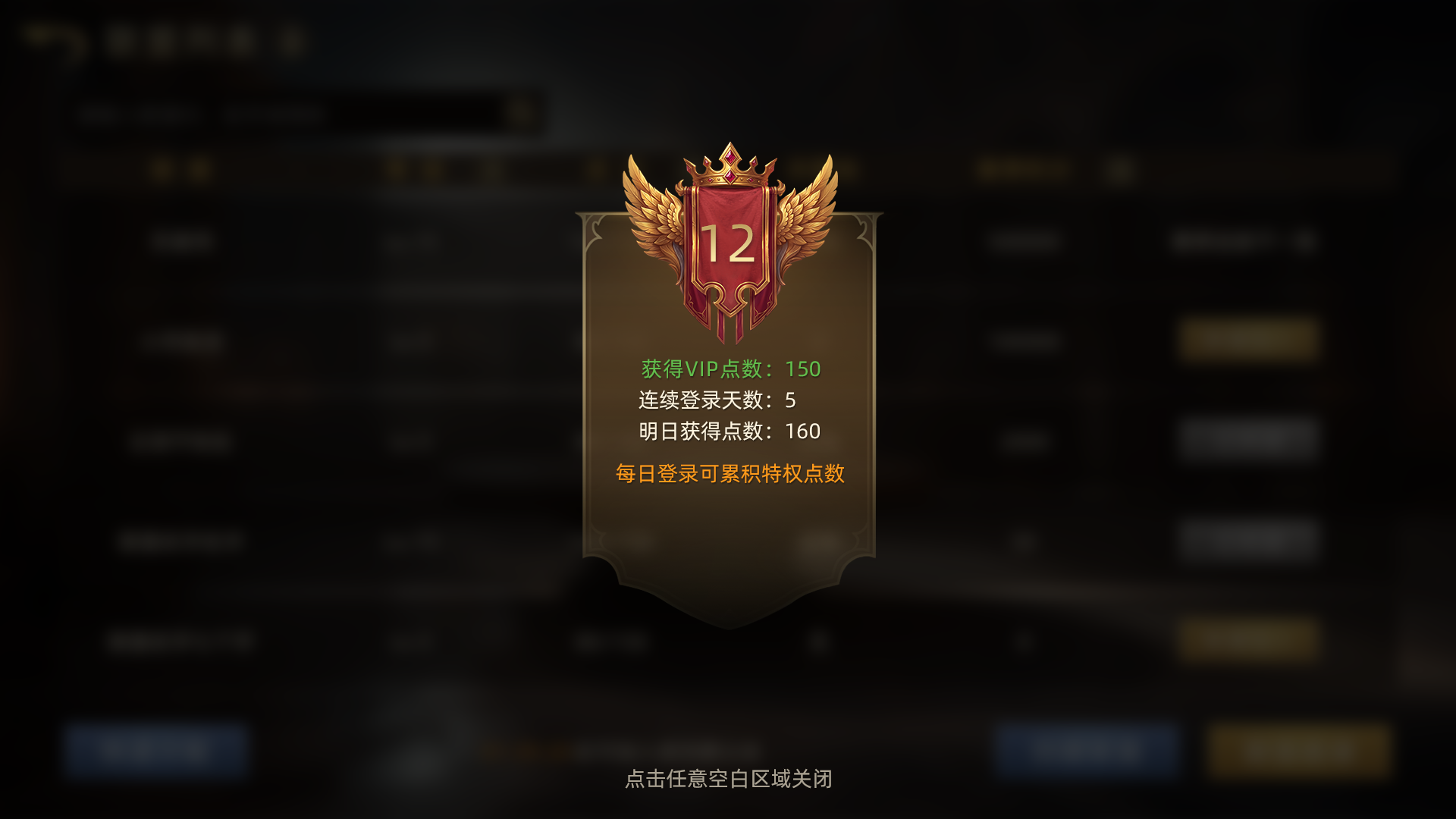
Open VIP through the upper-left player information area. Collect today's available points, then inspect accumulated points and the next level. Points and level persist across seasons, while active time controls privileges. A previously earned level does not make its privileges permanently active. Check both the required level and remaining active time for an effect.
Point items advance the level; duration items extend active time. Buy and Use involves a purchase, so check quantity and daily purchase limits. Level chests have their own unlock and one-time purchase states. Daily chests depend on their current button and activation state; unused daily opportunities do not stack across missed days.
Resolve the condition actually blocking you
A disabled VIP item calls for checking its required level. An inactive privilege calls for checking active time. Sold-out goods require a refresh, while a Supremacy-exclusive Season Shop item requires the relevant prior-season reward eligibility. These are not all balance problems, and recharging does not automatically resolve every restriction. First confirm that the item addresses a real building, crafting or army need.
Use resource planning for a budget, and Supremacy and Party guidance for seasonal eligibility.