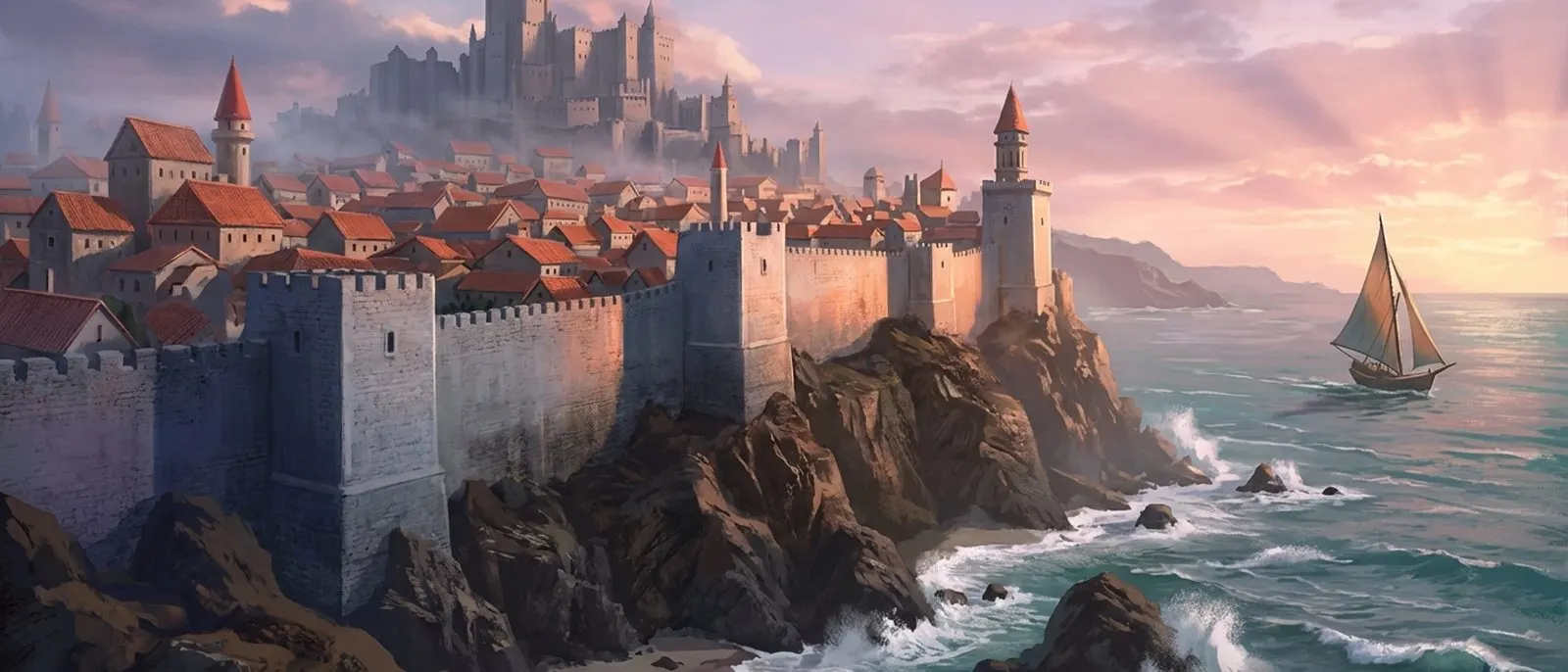
Every player rules a home city, rebuilt from the ruins of a fallen border state. City building is your home-base progression layer — the buildings you raise unlock features, produce resources, and lift the level caps on everything else you grow.
Appearance styles
Your city wears the Atlantean style by default (the original look of the shattered mother-continent). Three more civilization styles unlock by VIP level — purely cosmetic, changing the model only, never the footprint or gameplay:
- East Asian (Purple Star Heavenly Palace) — VIP 6
- European (Holy Authority Dome) — VIP 10
- Middle Eastern (Palace of a Thousand Pillars) — VIP 14
Build queues
City, technology, and barracks upgrades run through build queues. One queue is free; the second and third are unlocked with a one-time payment (50 and 100 gold). Upgrades are gated by time and resources — paying speeds up convenience, not a permanent power lead.
Keep level
The main keep levels up to 25 (capped at 12 in the Season 0 tutorial) and resets each season, while your Lord level carries across seasons.
Facilities
Each building has a role and upgrades through levels — gated by Lord level, prerequisite buildings, resources, and time.
| Facility | Role |
|---|---|
| Capital | The kingdom's hub: unlocks global facilities, raises other buildings' level caps, and increases troop capacity. |
| Barracks | Recruits and upgrades soldiers — see Army. |
| Blacksmith | Forges weapons and armor — see Equipment. |
| Warehouse | Safely stores resources, greatly raising maximum storage. |
| Farm & Mill | Produce and process food for the army. |
| Lumber Mill & Sawmill | Produce and process wood for the territory. |
| Market | Opens trade to exchange silver for resources. |